
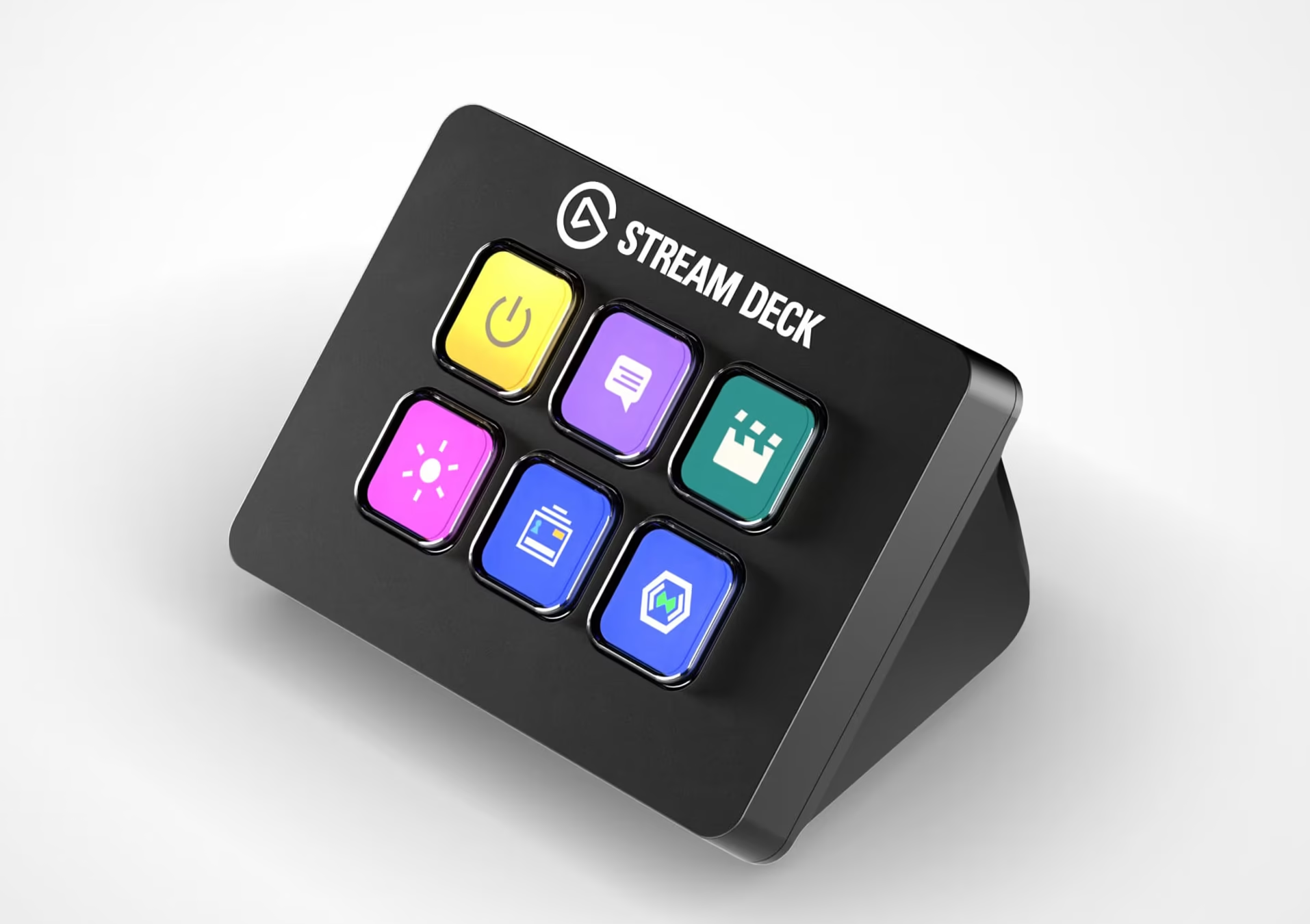
The Elgato Stream Deck and Stream Deck Neo are programmable control devices designed to simplify and automate repetitive actions. They features customizable LCD keys that can trigger single commands or complex multi-step workflows with one press.
Using a custom profile, the Stream Deck can be integrated with Video Window to control key functions such as Knock, Join Audio, Leave Audio, and volume. This provides a clean, efficient control interface for non-touch devices, eliminating the need for a visible mouse and keyboard setup.
Supported Stream Deck models :
- Stream Deck (15 custom keys) (Download Profile)
- Stream Deck Mini (6 custom keys) (Download Profile)
- Stream Deck Neo (8 custom keys) (Download Profile)
Setup Instructions #
- Download and install the Elgato Stream Deck Software: https://www.elgato.com/us/en/s/downloads
- Download the device appropriate Video Window Stream Deck profile from this page
- Open the Stream Deck software and go to Preferences (gear icon)
- Navigate to the Profiles tab
- Click the “+” icon to add a new profile, then import the downloaded Video Window profile
- Select the imported profile to edit it
- Set the application to Video Window from the application dropdown
[ Optional but Recommended ] Enable “Make this my default profile” and remove any unused profiles (by selecting the unused profiles and clicking on the “-” on the bottom left)


